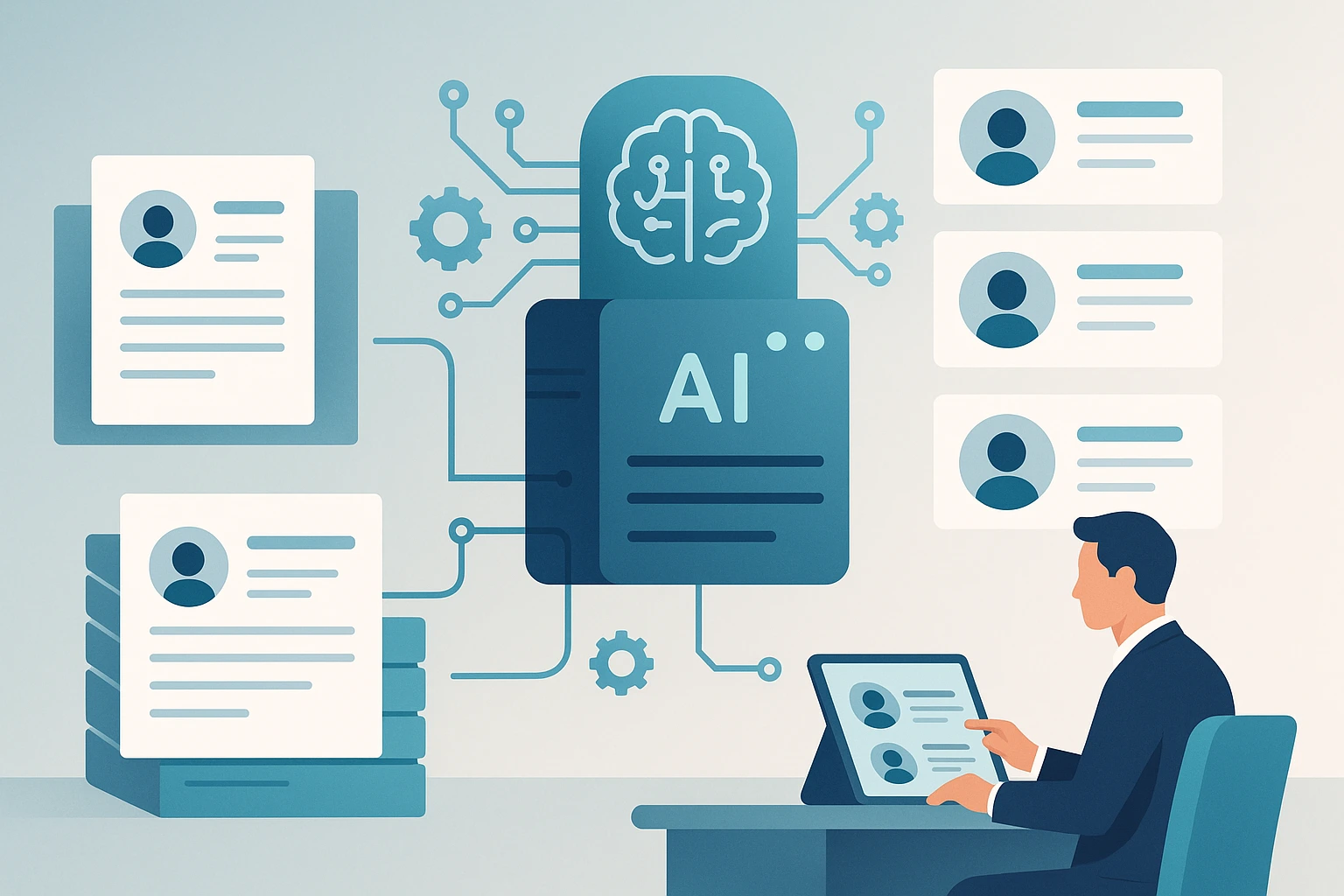
What is recruitment automation?
Recruitment automation is the use of software to complete repeatable hiring tasks or move information between hiring stages with less manual work. Common examples include distributing job adverts, acknowledging applications, parsing CVs, ranking candidates against stated criteria, scheduling interviews and sending status updates.
Good recruitment automation does not hand the hiring decision to a machine. It removes administration, gives recruiters a consistent first view of the evidence and leaves consequential decisions with an informed person. A useful rule is simple: automate the repeatable step; keep human judgement where context, persuasion, fairness or accountability matters.
That distinction is more important in 2026 than the blanket promise to “automate hiring”. The ICO’s review of automated recruitment found that many employers were likely using solely automated decisions without the safeguards those decisions require. Automation should create a better review process, not an invisible rejection system.
Recruitment automation examples by hiring stage
| Hiring stage | Useful automation | Human responsibility |
|---|---|---|
| Vacancy setup | Reusable templates, approval routing and channel publishing | Agreeing the actual outcomes, skills and trade-offs for the role |
| Sourcing | Search suggestions, deduplication and outreach sequencing | Deciding who is relevant and writing credible, personal outreach |
| Applications | Acknowledgements, CV parsing and file organisation | Explaining how candidate data will be used |
| Screening | Evidence extraction, criteria-based ranking and shortlist summaries | Reviewing evidence, exceptions and borderline candidates |
| Interviews | Self-scheduling, reminders and scorecard prompts | Building rapport, probing examples and making calibrated assessments |
| Offers | Document generation, approvals and reminders | Negotiation, expectation setting and closing the candidate |
| Reporting | Funnel, response-time and source dashboards | Interpreting causes and choosing what to change |
The best starting point is normally a high-volume, rules-based bottleneck. For an agency receiving 300 applications for one vacancy, that might be AI resume screening. For an in-house team losing candidates between stages, it may be scheduling and communication instead.
What should recruiters automate first?
1. Application administration
Automate file collection, duplicate detection, acknowledgements and consistent status updates. These steps are frequent, easy to audit and do not require a judgement about a person’s suitability.
The candidate benefit is clarity. An immediate confirmation and a realistic next-step message are better than silence, provided the message does not pretend to be personally written when it is not.
2. CV parsing and initial screening support
A parser converts CVs into structured fields. A screening tool goes further by evaluating evidence against the job criteria. They solve different problems: parsing makes information usable; screening helps a recruiter prioritise review. Our comparison of resume parsing and AI screening explains where each fits.
For screening, require the tool to show why it produced a result. Recruiters should be able to inspect the underlying CV evidence, adjust the criteria and review candidates outside the suggested shortlist. Avoid workflows that reject people solely because they fall below an unexplained score.
3. Interview scheduling
Calendar availability, timezone handling, reminders and rescheduling are strong automation candidates. They are repetitive and the rules are visible. Keep an accessible manual route for candidates who cannot use the scheduling link or need an adjustment.
4. Consistent communication
Templates can trigger when a stage changes, but timing and wording still matter. An automated rejection after a final interview feels careless; that conversation deserves human attention. A receipt confirmation or interview reminder usually does not.
5. Workflow reporting
Automated dashboards can expose where candidates wait, which sources produce qualified applicants and how much recruiter time each stage consumes. The dashboard is not the conclusion. A low pass-through rate could mean poor applicants, an unrealistic brief, a biased criterion or a sourcing mismatch.
Tasks that still need human judgement
Do not automate a task merely because a product can perform it. Keep meaningful human involvement for:
- deciding what success in the role looks like;
- assessing ambiguous or transferable experience;
- making reasonable adjustments;
- investigating possible bias or inconsistent outcomes;
- interviewing, persuading and advising candidates;
- resolving conflicts between a hiring manager’s preference and the evidence;
- making and communicating final selection decisions.
“Human in the loop” should mean more than a recruiter clicking approve. The reviewer needs enough information, time and authority to challenge the system’s output. They should apply the same review standard to every candidate at the same stage.
Recruitment automation tools: choose by job, not category label
Recruitment software often bundles several types of automation. Separate them before buying:
ATS and recruitment CRM
An applicant tracking system records candidates, vacancies and stages. Agency-focused platforms may add client records, submissions, placements and business development. Choose this category when the core problem is workflow ownership and a fragmented candidate database.
Sourcing and engagement tools
These help find potential candidates, enrich profiles and sequence outreach. They are useful for hard-to-fill roles, but they do not replace a relevant proposition or recruiter-led conversation.
Screening and assessment tools
Screening software ranks or summarises application evidence. Assessments test a defined capability through work samples, questions or simulations. Use them together only when each adds a distinct signal. More assessments do not automatically produce better decisions.
Parsing and integration tools
Parsers turn CVs into structured data; APIs connect that data to an ATS, client portal or internal workflow. They suit teams building a custom process. A no-code screening product is usually faster when the requirement is simply to turn an application pile into a reviewable shortlist. See the parser API versus no-code guide.
For evidence on extraction accuracy and setup trade-offs, compare the leading resume parsers tested on a common 300-CV sample.
Boutique recruiters should also account for client separation, permissions and per-user pricing. The AI tools for staffing agencies guide compares sourcing, ATS/CRM, screening and parser options for teams of 2–20 recruiters.
Benefits of recruitment automation
More recruiter capacity
The clearest benefit is time returned from repetitive processing. LinkedIn’s 2025 recruiting report says talent acquisition professionals using generative AI reported saving about 20% of their work week on average. That is a survey finding, not a guaranteed result for every product. Your result depends on volume, workflow design and whether people trust the output enough to use it.
Faster, more consistent first review
Automation can apply the same documented criteria across a large applicant pool and surface the evidence for review. That consistency is valuable, but only if the criteria themselves are job-related and regularly checked.
Better candidate responsiveness
Acknowledgements, reminders and stage updates reduce avoidable waiting. Speed is not the same as experience: candidates also need honest expectations, an accessible route to a person and respectful handling of important decisions.
A measurable process
Structured workflows make it easier to see time in stage, review rates, overrides and outcomes. That creates an audit trail and a basis for improvement that an inbox-and-spreadsheet process often lacks.
Risks and controls
Recruitment automation processes personal information, and some uses influence significant decisions. Before launch:
- Map the data, purpose, lawful basis, vendors, retention period and access rights.
- Complete a data protection impact assessment where the processing is likely to create high risk.
- Tell candidates, in plain language, where automation is used and how to exercise their rights.
- Test results across relevant groups and investigate disparities rather than assuming the tool is neutral.
- Preserve a genuine human review and challenge route.
- Limit data collection to what is necessary for the role.
- Record criteria changes, overrides, incidents and vendor updates.
The detailed GDPR-compliant AI recruitment guide covers these controls for UK and EU teams. It is operational guidance, not a substitute for legal advice on your circumstances.
A practical implementation plan
Week 1: define the bottleneck
Measure applications per vacancy, recruiter review time, candidate waiting time and avoidable rework. Pick one problem. “We need AI” is not a process requirement.
Week 2: document the current decision
Write down the criteria already being applied, who owns each decision and where candidates can be unfairly lost. Remove credentials that are convenient proxies rather than genuine requirements.
Weeks 3–4: run a controlled pilot
Use completed or parallel cases before allowing the workflow to affect live candidates. Compare the tool’s output with recruiter review, inspect disagreements and include non-standard CVs. Do not optimise only for agreement with past decisions; past decisions may contain the problem you are trying to fix.
Weeks 5–6: launch with monitoring
Start with one role family or client. Track time saved, shortlist quality, reviewer overrides, candidate complaints and stage outcomes. Give recruiters a named owner for issues and a clear way to pause the automation.
How to calculate whether automation is worth it
Use a narrow calculation before relying on an abstract “ROI” claim:
monthly value = hours removed × loaded hourly cost + avoidable external cost
Then subtract subscription, implementation, training and integration costs. Also record quality measures such as hiring-manager acceptance and candidate response time. A workflow that saves five hours but produces a weak or unreviewable shortlist is not a success.
See how Hire Forge turns a job description and CV batch into a ranked shortlist on the AI screening features page.
Screen 100 CVs free—no integration required
Upload a job description and supported PDF, DOC, DOCX or TXT files. Hire Forge ranks the batch for recruiter review, with OCR for image-based PDFs.
5 CVs before signup. 100 more free. No card.
Recruitment automation FAQs
Is recruitment automation the same as AI recruitment?
No. Automation is the broader category: a calendar reminder or stage-change email can be automated without AI. AI is used when software interprets less structured information, such as matching the evidence in a CV to job criteria.
Can recruitment be fully automated?
Many administrative steps can be automated, but a responsible process keeps people accountable for role design, exceptions, interviews and consequential decisions. Fully automated rejection can also trigger additional data-protection safeguards.
What is the best recruitment automation tool?
There is no universal best tool. Choose an ATS for workflow and records, a sourcing platform for outbound search, a screening tool for application review, or a parser/API for a custom build. Test the product against your own roles, data-handling requirements and team workflow.
How should a small business start?
Choose one high-frequency bottleneck, document the desired outcome, pilot with a small number of roles and measure hours saved plus decision quality. Avoid replacing the entire stack before proving one workflow.
Sources
- ICO, 2026: Recruitment rewired—findings and expectations on automated decision-making in recruitment. View source
- ICO: Employment practices and data protection: recruitment and selection. View source
- LinkedIn, 2025: The Future of Recruiting 2025. View source
- NIST, 2023: AI Risk Management Framework 1.0. View source
Keep exploring
Related guides
AI for Recruitment: What Works in 2026
AI was meant to make recruitment faster and fairer. In practice, many recruiters feel it has done the opposite. Here's what actually works in 2026.
How to Recruit Faster with AI: What's Actually Working in 2026
See where recruitment AI saves time in 2026, which workflows benefit, and how to measure screening speed without giving up human oversight.
Skills-Based Hiring in 2026: AI Screening Guide for SMBs
Build a skills-based hiring process for SMBs: define evidence-based criteria, screen consistently, validate ability and avoid weak proxies.
About the author
Ben Lovis·Founder, Hire Forge AIA professional recruiter who built and deployed AI-powered screening systems internally before founding Hire Forge AI. He now designs AI recruitment systems for hiring teams worldwide.
Run your first shortlist free
Try five CVs without an account, then sign up for 100 more during your seven-day free trial. No credit card is required.
Start free5 CVs before signup. 100 more free. No card.